Here’s the production death spiral I’ve seen more than once: a real user drags in a 300MB video, their mobile connection stalls mid-stream, and while your workers are pinned waiting on slow request bodies, a bot finds /upload and starts hammering it with “uploads” that never finish. CPU climbs, memory spikes, the request queue backs up, and your upstream starts serving 502s while you scramble.
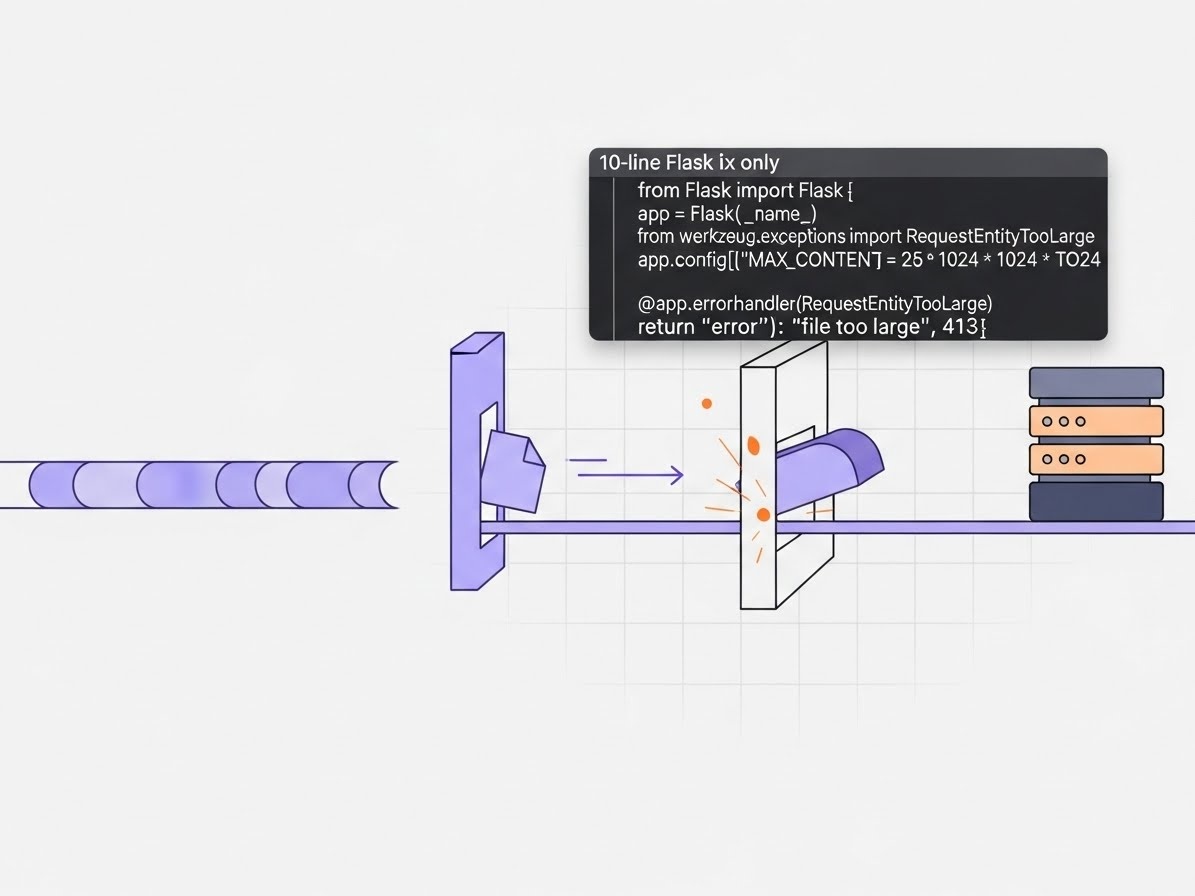
Uploads are a high-cost attack surface. The fastest production-grade fix is to cap request size and fail closed with a clean 413.
- Set a hard upper bound with
MAX_CONTENT_LENGTH(no “we’ll validate after we read it”). - Return a predictable
413JSON payload viaRequestEntityTooLargehandler. - Match limits at the edge (NGINX/ALB) so oversized bodies never reach your workers.
How servers die from “just an upload”
Uploads fail differently in production than they do on your laptop because they combine three nasty effects:
- Worker exhaustion: in a typical sync WSGI setup, each slow upload can occupy a worker for a long time. Enough slow clients and you’ve effectively self-DOSed.
- Memory/CPU pressure: multipart/form-data parsing and buffering isn’t free. Big bodies can trigger expensive work before your business logic ever runs.
- Slowloris-style pressure: an attacker doesn’t need high bandwidth—just lots of long-lived connections that drip bytes to keep your app busy.
What Flask is doing under the hood (and why it hurts)
In Flask, requests arrive through the WSGI server. If you accept arbitrarily large bodies, you’re letting the request stream reach the app boundary before you’ve enforced any contract. Then multipart/form-data parsing kicks in, and that’s where costs add up: CPU to parse boundaries, memory/disk behavior in file handling, and a worker tied up while the client slowly finishes (or never finishes).
This is why “we’ll validate after we read it” is the wrong posture for uploads. For reliability and security, you want a hard cap and a clean failure path that’s fail-closed (reject, don’t truncate).
The 10-line fix: hard cap + clean 413, fail-closed
This drop-in pattern does three things: sets a strict maximum upload size, fails fast with an explicit 413 Request Entity Too Large, and avoids any silent truncation. It also gives clients a stable error payload instead of a worker crash or a generic 502.
from flask import Flask, jsonify
from werkzeug.exceptions import RequestEntityTooLarge

app = Flask(__name__)
app.config["MAX_CONTENT_LENGTH"] = 25 * 1024 * 1024  # 25MB hard cap

@app.errorhandler(RequestEntityTooLarge)
def too_large(_):
    return jsonify(error="upload_too_large", max_bytes=app.config["MAX_CONTENT_LENGTH"]), 413
Why this works: MAX_CONTENT_LENGTH enforces a strict upper bound on incoming request size, and Werkzeug raises RequestEntityTooLarge when the limit is exceeded. Your handler turns that into a predictable API response, so clients can react and your app stays stable.
Where to put it (so it actually runs in prod)
-
App factory: set
MAX_CONTENT_LENGTHimmediately afterapp = Flask(__name__), and register the error handler during app creation (before blueprints start handling requests). -
Single-file
app.py: put it right after you instantiateapp. Don’t tuck it behind a conditional that might not execute in Gunicorn/uWSGI startup.
If you need different limits per endpoint, don’t “raise the global ceiling.” Prefer splitting large uploads onto a separate service/path with its own limits and infrastructure (or use direct-to-object-storage uploads).
Test it fast: prove you won’t OOM or hang
I validate this change with one simple expectation: an oversized upload returns 413 quickly and consistently, even when repeated. You’re looking for controlled rejection (413 with your JSON) rather than slow timeouts, 502s, or workers piling up.
# Make a 30MB file and POST it to your endpoint (should return 413 quickly)
dd if=/dev/zero of=big.bin bs=1m count=30
curl -i -F "[email protected]" http://localhost:5000/upload
Also check logs: you want a clear, low-noise signal that requests were rejected due to size, not an unhandled exception or cascading timeouts.
Best-practice add-ons (after the quick win)
The 10-line fix stabilizes your Flask layer immediately. To harden the whole path, add these defense-in-depth controls:
- Reverse proxy body cap: enforce a matching (or slightly lower) limit at NGINX/ALB so oversized bodies don’t even reach your app workers.
- Body/read timeouts: configure upstream timeouts to cut off stalled uploads (reduces slowloris-style pressure).
- Gunicorn timeouts + worker model: set reasonable timeouts and choose a worker type appropriate for your traffic pattern.
- Stream/bypass the app for big files: for large media, use streaming to disk or (better) direct-to-object-storage uploads (e.g., S3 multipart), then send your API only the metadata.
- Rate limiting + auth: protect
/uploadlike a paid endpoint—because it costs you real resources.
If you do nothing else, make sure these are true in production:
- Flask enforces
MAX_CONTENT_LENGTHand returns a clean413JSON response (fail-closed, no truncation). - Your edge/proxy rejects oversized bodies (
client_max_body_sizeor equivalent) before they reach app workers. - Stalled uploads are cut off with body/read timeouts (reduces slowloris-style pressure).
- Gunicorn/uWSGI timeouts are sensible for your traffic pattern and worker model.
- Large media uploads bypass the app (direct-to-object-storage) or are streamed safely, and
/uploadis rate limited + authenticated.
Related PLEX reading
References & further reading
-
Flask config: MAX_CONTENT_LENGTH
Official Flask configuration reference for enforcing maximum request size. -
Flask error handling
How to register error handlers and return stable responses in production. -
Werkzeug: RequestEntityTooLarge
Exception raised when request size exceeds the configured limit. -
OWASP: Denial of Service
Background on DoS patterns and why resource-heavy endpoints are prime targets. -
OWASP: Slowloris
Low-bandwidth, long-lived request pressure that can pin workers and queues. -
NGINX: client_max_body_size
Enforce body size at the edge so oversized requests never reach your app. -
NGINX: client_body_timeout
Cut off stalled uploads to reduce slowloris-style pressure. -
Gunicorn settings: timeout
Tune worker timeouts to avoid runaway request lifetimes. -
Gunicorn design
Overview of worker models and how they behave under slow request bodies. -
AWS S3: Multipart upload overview
Best practice for large file uploads: bypass app workers and upload direct to object storage.