Your “Forgot password” endpoint is a second login system you probably haven’t looked at in months. This post gives you a set-and-forget reset baseline that stays safe under pressure: no account enumeration, short-lived tokens, hash-only storage, one-time use, throttles, and cleanup—plus a tight checklist you can run before every deploy.
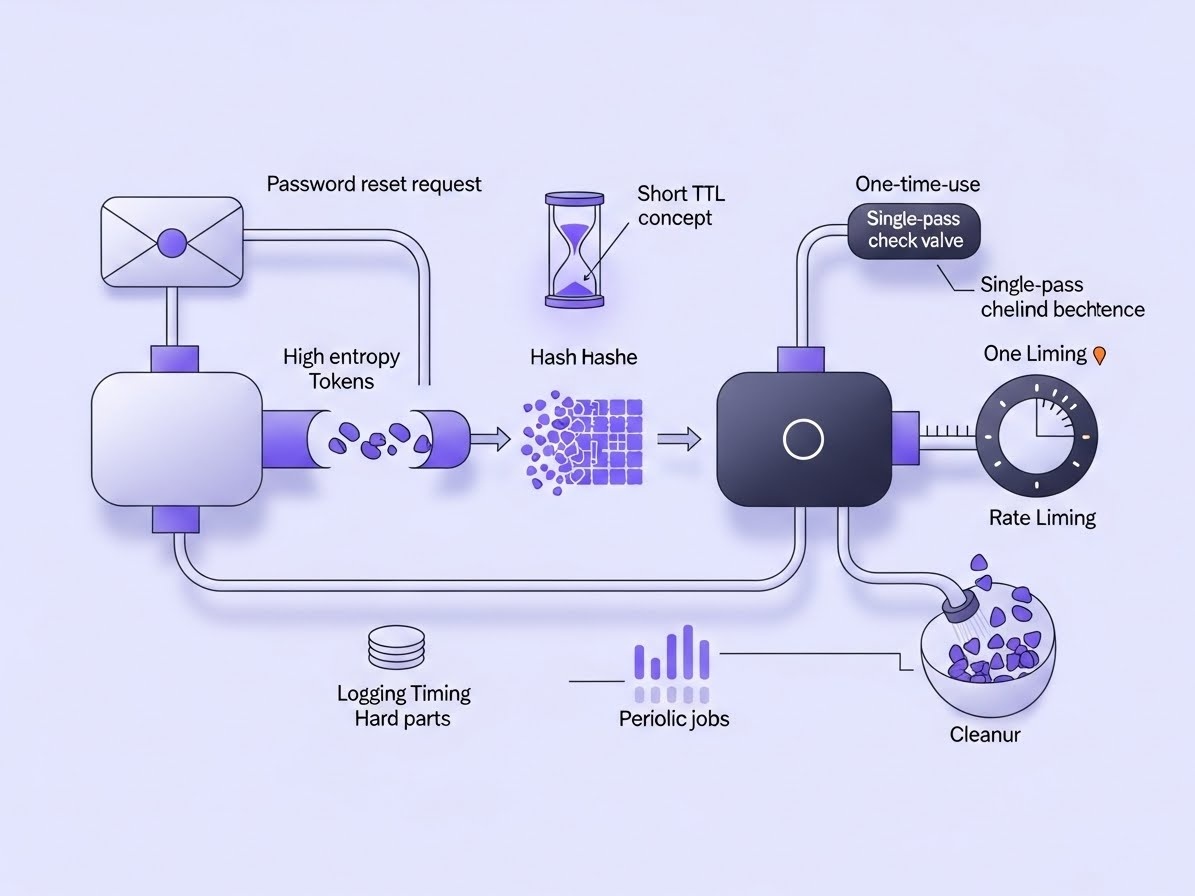
Steal this baseline and your reset flow stops being the easiest account-takeover path in your app.
- No enumeration: same message + status whether the account exists or not.
- High entropy: token from
secrets; short TTL (15–30 min). - Hash-only storage: store
token_hash, never the raw token. - One-time use: consume atomically (reject replay, even under concurrency).
- Rate limits: per IP + per identifier (request + confirm endpoints).
- Cleanup: prune expired/used tokens so the feature doesn’t rot.
Password reset fails in predictable ways
Most incidents come from boring mistakes—because reset is shipped once, then ignored. These are the failure modes that actually matter:
- Account enumeration: different responses (or timing) reveal who has an account.
- Replay: tokens don’t expire fast enough or aren’t single-use.
- Raw token storage: a DB leak becomes instant account takeover.
- No throttles: reset becomes an email-flood tool and a brute-force surface.
The baseline: 7 invariants
Keep these invariants and your reset flow stays “production-shaped” across rewrites and refactors.
- Always-OK response for reset requests (don’t confirm existence).
- Secure randomness (
secrets, notrandom). - Short TTL enforced server-side (15–30 minutes).
- Hash-only token storage (
token_hashindexed). - One-time consume (mark used / delete row in the same transaction as password set).
- Rate limiting on request + confirm (IP + identifier).
- Lifecycle cleanup (daily prune + invalidate on password change).
The 10-line core (Python)
This is the whole pattern: generate a token, store only a hash + expiry, and consume once.
Your real app swaps db_get/db_use for proper DB calls inside a transaction.
import secrets, hashlib, time
pepper = b"env_secret"

def issue(uid, ttl=1800):
    tok = secrets.token_urlsafe(32)
    h = hashlib.sha256(pepper + tok.encode()).hexdigest()
    db_put(h, uid, int(time.time()) + ttl)  # store hash+expiry
    return tok

def consume(tok):
    h = hashlib.sha256(pepper + tok.encode()).hexdigest()
    return db_use(h)  # atomic: only if unexpired & unused
Implementation note: “one-time use” only works if your confirm endpoint consumes the token atomically. Don’t fetch-then-update in two separate steps—do a single conditional update (or transaction) that marks used only if it’s unused and unexpired.
Two-minute pre-deploy checklist
- Reset request returns the same response for known vs unknown identifiers (status + message).
- Token is generated with
secretsand has a short TTL (15–30 minutes). - Only
token_hashis stored; raw tokens never appear in DB or logs. - Confirm endpoint consumes token atomically (no replay, even with concurrent requests).
- Rate limits exist on request + confirm (IP + identifier).
- Tokens are invalidated on password change (and optionally on new reset requests).
- A cleanup job prunes expired/used tokens daily.